Organize recipes your way with Utensil.
Clip recipes from photos or websites. Save them to your preferred productivity apps or a popular file format.
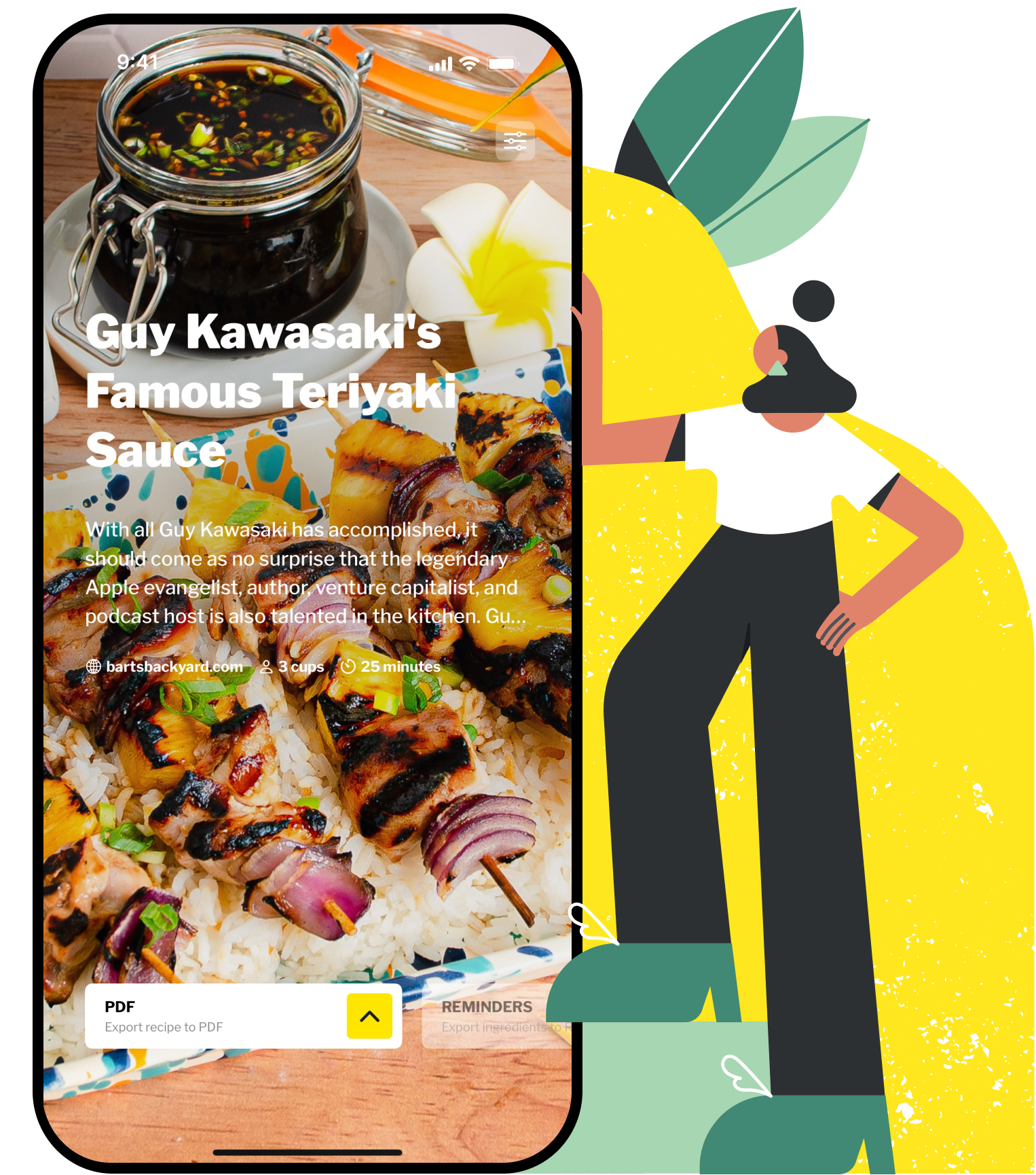
Clip recipes from photos or websites. Save them to your preferred productivity apps or a popular file format.

Save recipes to your notes app or to a popular file format

Place meals on your calendar

Send ingredients to your shopping list
Utensil works with built-in apps like Notes, Reminders, Calendar, Mail, Messages, and Shortcuts; popular apps like Bear, Craft, Day One, Google Tasks, Google Calendar, Gmail, Obsidian, OmniFocus, Things, Todoist, and Notion; or any app that accepts standard file formats such as plain text, Rich Text, Markdown, TextBundle, JSON, or PDF.
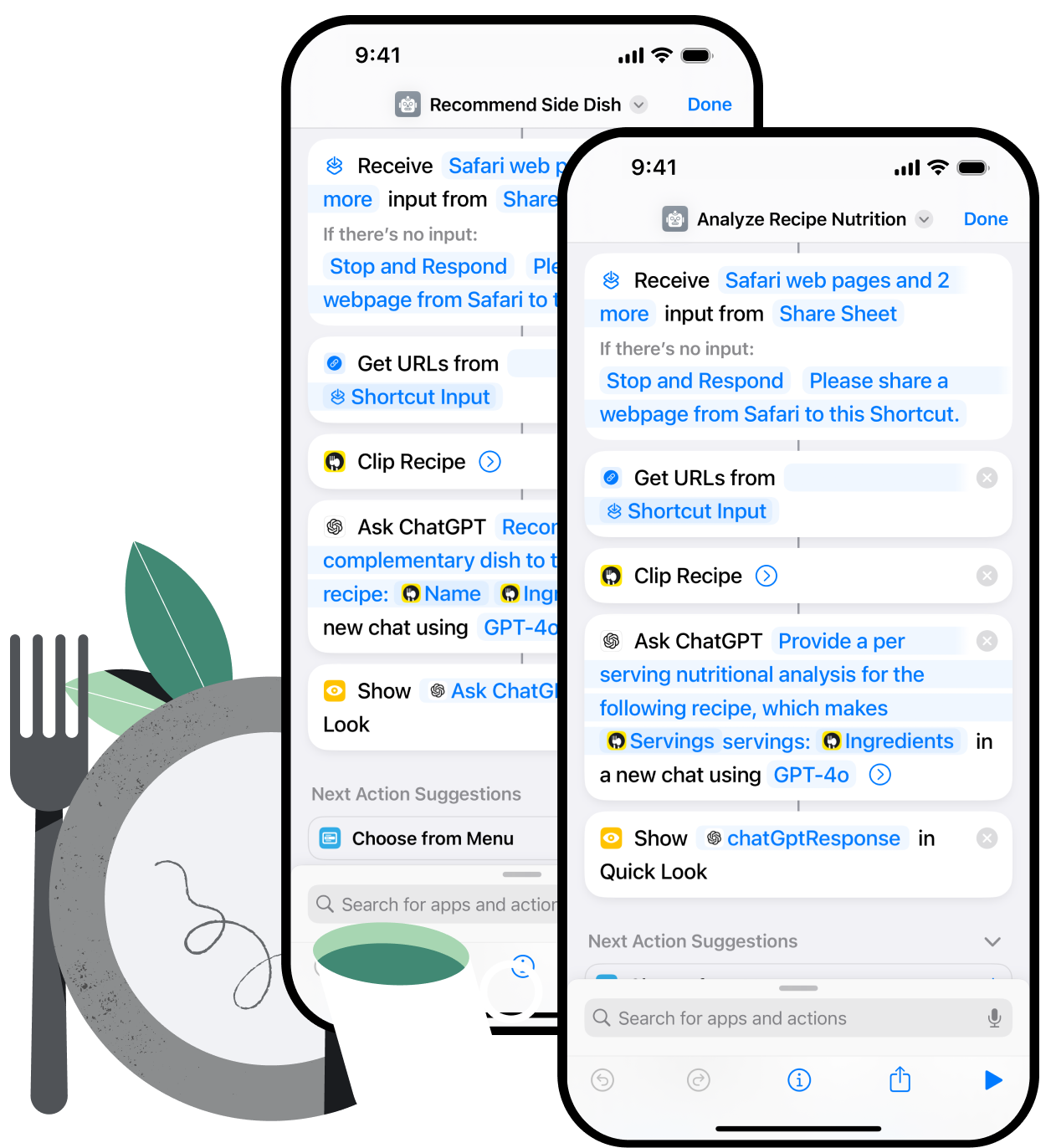
Create your own functionality using Utensil's Shortcuts actions... make your own print template, generate stories or reels for social media, or even ask an AI for a nutritional analysis!
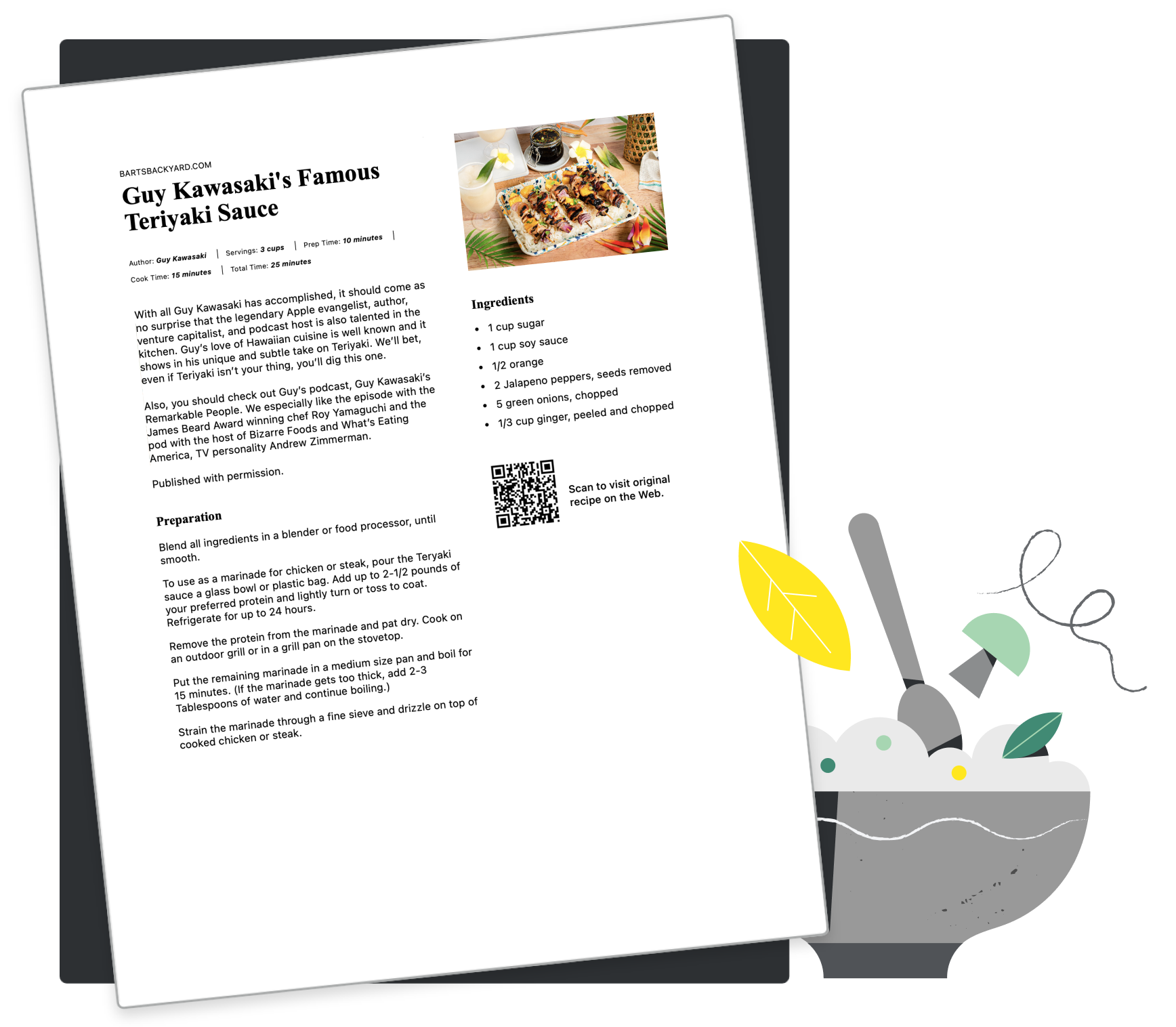
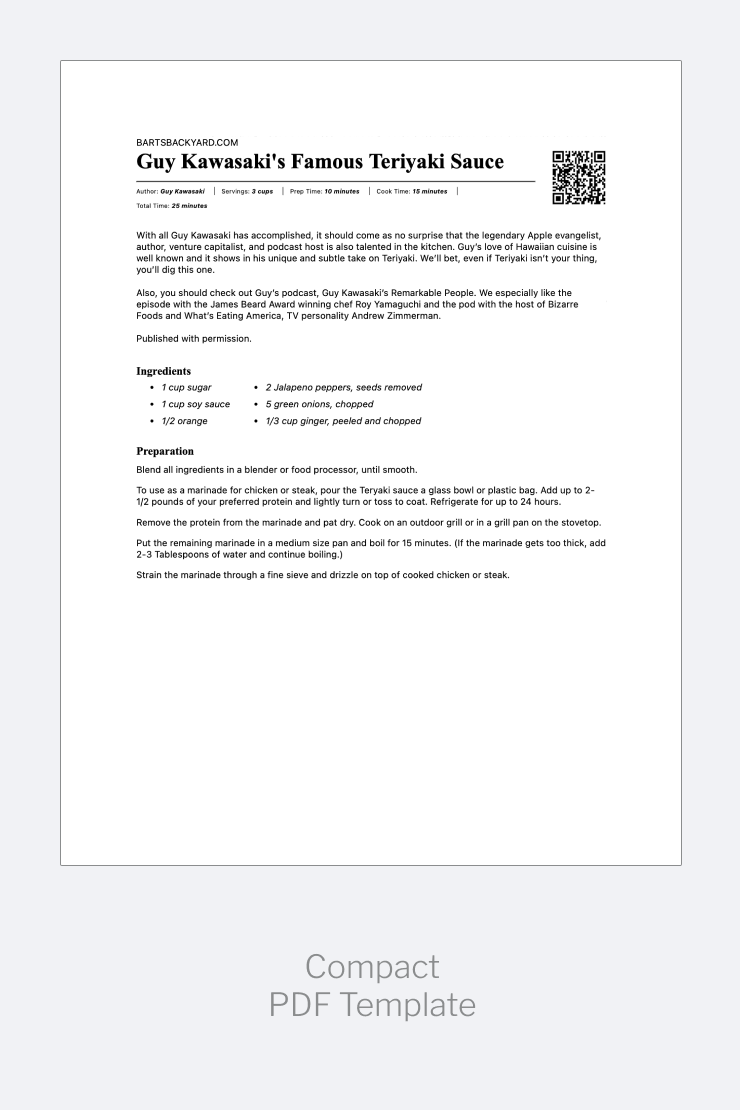
Whether you just need a printed copy for cooking or you like to organize your recipes in a physical album, Utensil has a print template for you. Here are just some of the options:
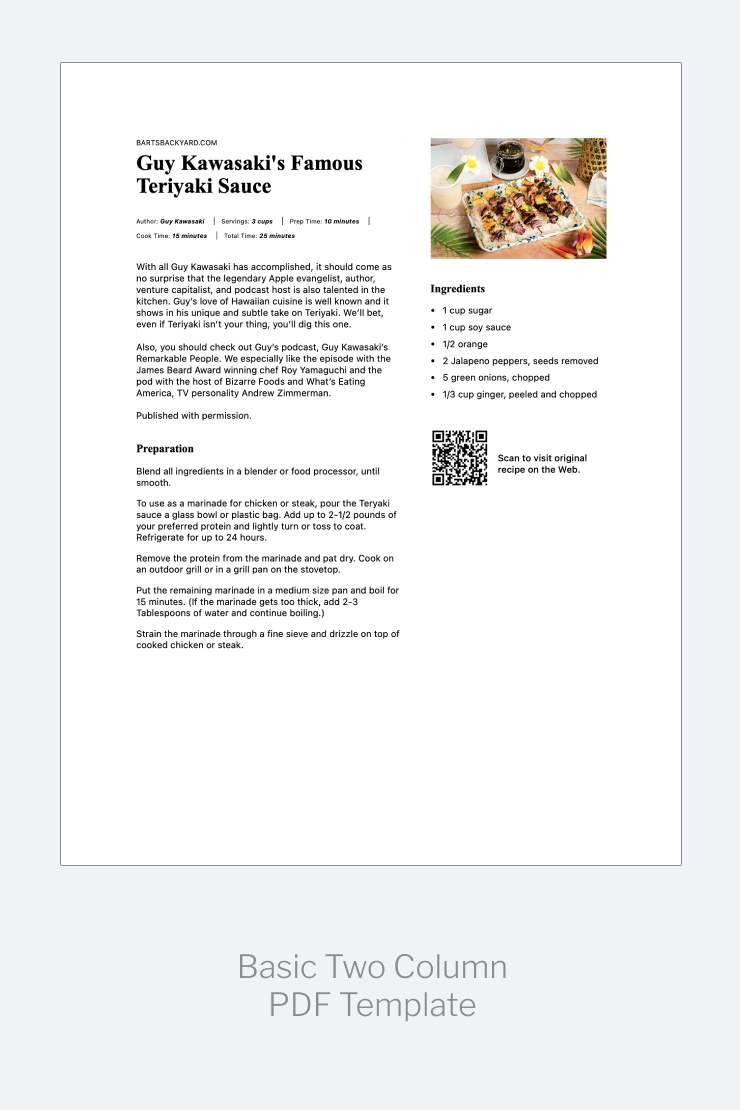
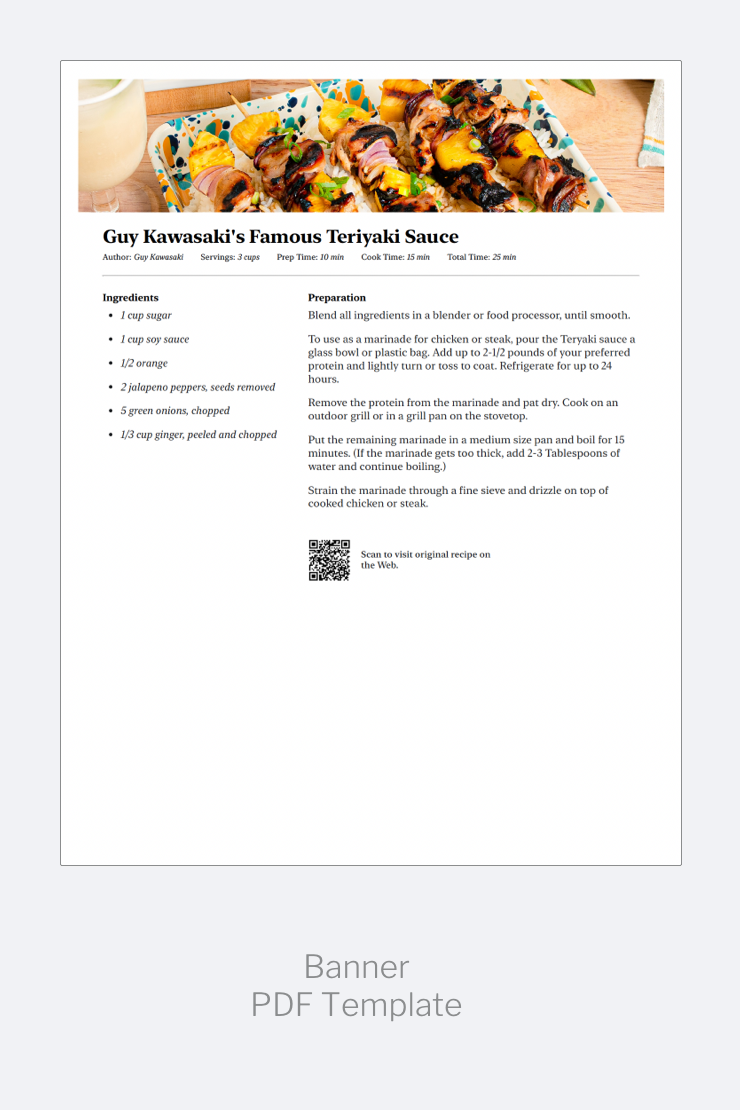
Or use Shortcuts to create your own print template!
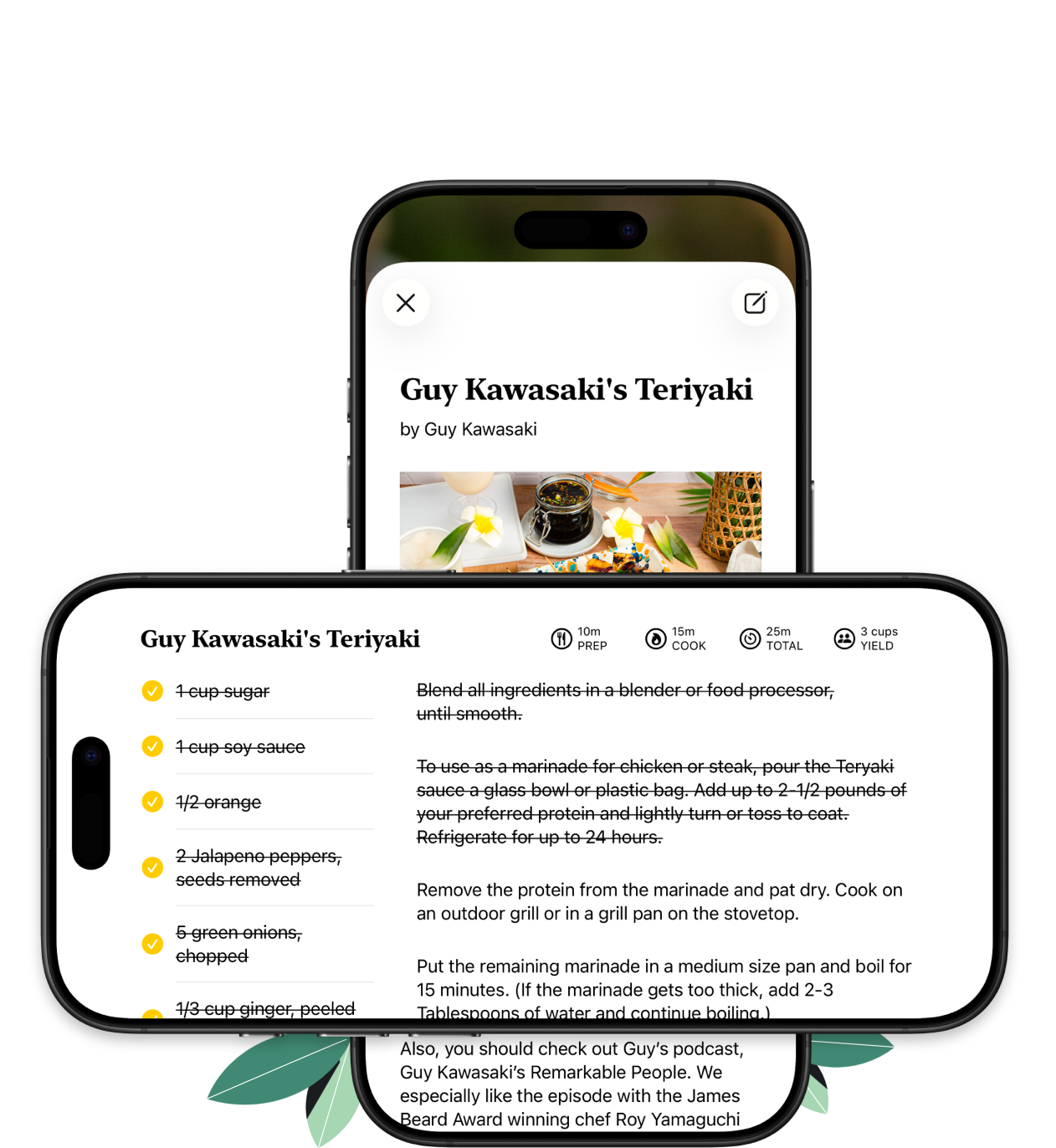
Clean and simple interface for cooking, featuring both vertical and horizontal layouts, screen lock, and the ability to check off both ingredients and instructions as you go.
Clip whatever recipes sound good at the moment, try them out and then keep only your favorite dishes. Simply clip recipes to Utensil, review or experiment at your convenience, and then export only the best recipes to your collection. No cluttering up your recipe collection while you experiment!
Or using Utensil's Shortcut action make a shortcut that asks an AI like ChatGPT for complementary recipes!
Most browsers and social platforms merely save just links to recipes. Recipe managers save recipes, but most trap your collection in a proprietary file format and the're opinionated about how you should organize your collection.
By contrast, Utensil clips ad-free copies of recipes, and allows you to organize your collection in whatever way works best for you. If you'd prefer to save recipes in a notes app where powerful tagging and search features are available... no problem. If you like to print your recipes, Utensil has you covered in that case too. And with Utensil's range of standard export formats and support for Shortcuts, you can do almost anything with the recipes you clip from the Web.
Built-in apps like Notes, Reminders, Calendar, Mail, Messages, and Shortcuts, plus popular apps like Bear, Craft, Day One, Google Tasks, Google Calendar, Gmail, Obsidian, OmniFocus, Things, Todoist, and Notion. It also exports to plain text, Rich Text, Markdown, TextBundle, JSON, or PDF — so if an app accepts any of those, Utensil already works with it.
Yes — Utensil ships Shortcuts actions so you can clip a recipe and manipulate the data however you like: a custom print layout, a nutrition lookup through an AI tool, or a social post generator. Visit the Shortcuts gallery for ready-made examples.